
Agentic Workflow Design Guide
Apr 30, 2026
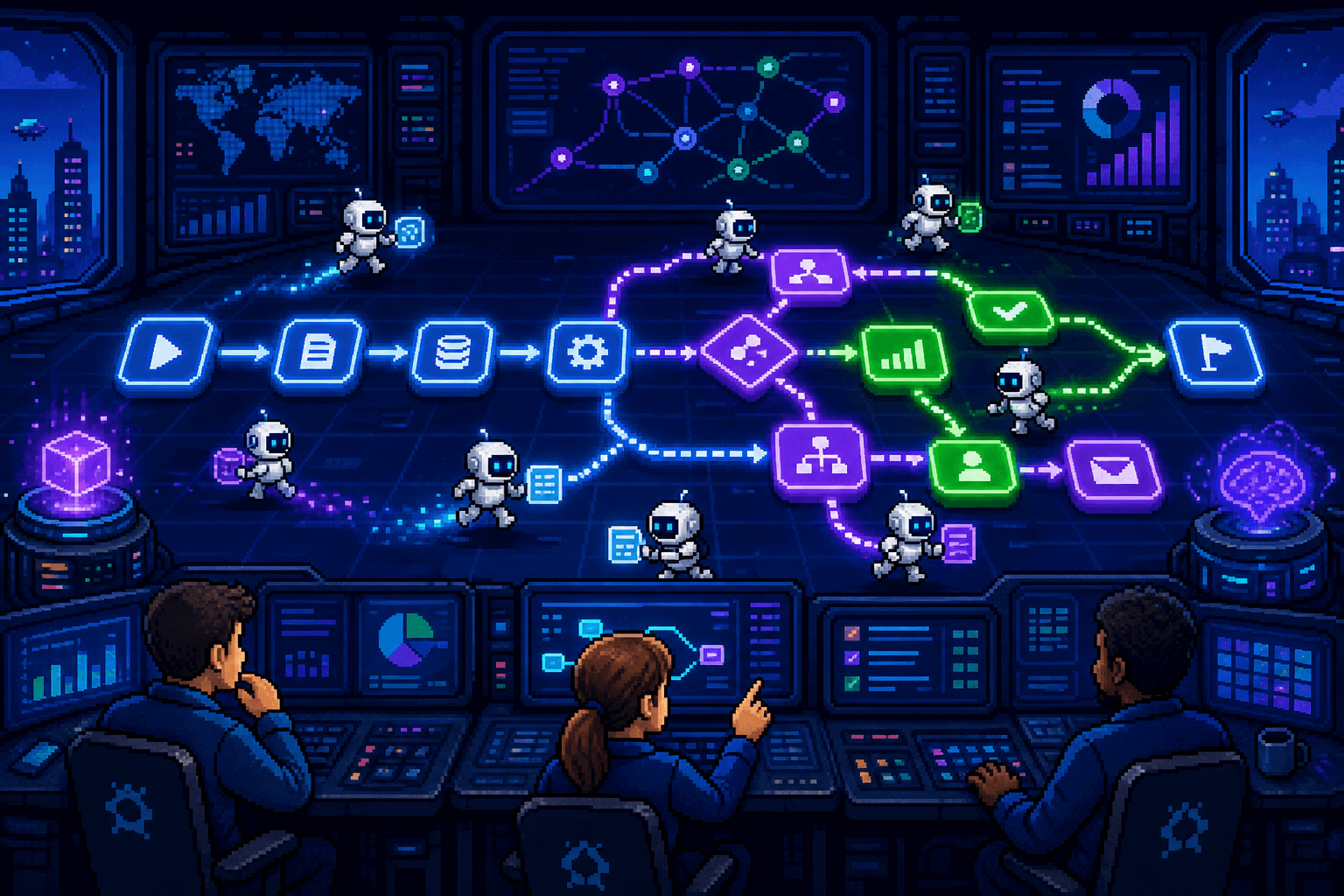
TL;DR — Good agentic workflow design is hybrid, not autonomous. Workflows mix six step types: rule-based, deterministic data/system, AI assessment, AI synthesis, goal-driven AI agent, and human decision. Use rules where the answer is known, AI for interpretation and synthesis, agents for goal-pursuit across tools, and humans for accountability. Treating every step the same is why most AI workflow projects fail.
Agentic workflow design is not about replacing every step in a business process with an AI agent.
The strongest agentic workflows combine different kinds of workflow steps. Some steps are simple rules. Some move data between systems. Some require judgment. Some require a human to approve the final outcome. And some steps are genuinely agentic: an AI agent is given an objective, context, and tools, then works out how to produce the right output.
This distinction matters because many AI workflow automation projects fail when teams treat every step as if it belongs in the same category. They either make a workflow too rigid, so it breaks whenever input is messy, or too agentic, so simple rules become harder to test, govern, and trust. A 2023 McKinsey survey on the state of AI found that the highest-performing automation programs treat AI as one tool among many, not the default for every step.
A better approach is to classify the steps first, then choose the right automation pattern for each one. That is what turns agentic workflow automation from a vague AI concept into a practical operating model.
Why Agentic Workflow Design Starts With Step Types
Most business workflows are a mix of predictable and unpredictable work. That is why most agentic workflows should be designed as hybrid workflows, not as fully autonomous AI systems.
Take customer onboarding. A workflow might need to create a CRM record, assign a project owner, check whether required fields are complete, read a contract, identify implementation risks, request missing information, and prepare a tailored onboarding plan.
Some of those steps are deterministic. They should happen the same way every time. Others require interpretation. They depend on the customer's context, the contents of the contract, the services purchased, and the level of risk involved.
This is where workflow step types become useful. They help teams decide which parts should be handled by traditional workflow automation, which parts can use AI for assessment or synthesis, which parts are truly agentic, and which parts still need a human. For the broader category split, see our guide on workflow automation vs RPA.
1. Rule-Based Workflow Steps
Rule-based workflow steps follow clear deterministic logic. If X happens, do Y.
If a form is submitted, create a customer record. If the invoice amount is over $10,000, route it for manager approval. If the customer selected "enterprise" on the intake form, assign the enterprise onboarding path.
These steps are best handled by normal workflow automation. The condition is known, the action is known, and the desired behavior should be consistent. Adding an AI agent here usually makes an agentic workflow more complex without making it better.
2. Deterministic Data and System Steps
Some deterministic steps do not make decisions. They move, transform, or synchronize data.
A workflow might update a CRM field, send a notification, generate a task, write a row to a table, call an API, create a folder, or wait until a required document is uploaded.
These steps are the backbone of reliable automation. They are not "intelligent" in the human sense, but they make the workflow trackable, repeatable, and auditable. Even highly agentic workflows still need these deterministic steps because AI agents need structured places to receive data, store outputs, trigger downstream work, and hand off to people.
3. AI Assessment Steps
Assessment steps are where a workflow needs judgment.
For example, an AI step might assess whether a customer email contains legal, financial, or reputational risk factors. It might review a support ticket and decide whether the customer seems frustrated. It might read a supplier response and determine whether the answer satisfies the original request.
These AI workflow steps are non-deterministic because the output depends on context. The same instruction may produce slightly different reasoning depending on the input. That does not make the step uncontrolled. A well-designed assessment step still has clear instructions, expected output fields, examples, confidence thresholds, and escalation rules.
4. AI Synthesis Steps
Synthesis steps turn messy information into something easier to act on.
An AI step might provide a concise summary of a long document, extract key obligations from a contract, turn a meeting transcript into action items, or summarize the history of a customer issue before it reaches a human reviewer.
These steps are often some of the safest and highest-value uses of AI in workflows because they reduce reading and coordination effort without necessarily giving the AI final decision-making authority. They are often part of an agentic workflow, but they are not always agentic on their own.
5. Goal-Driven AI Agent Steps
Goal-driven AI agent steps are the category that makes a workflow meaningfully agentic.
Instead of asking the system to perform one narrow task, the workflow gives an AI agent a goal, the context it needs, and a defined set of tools it is allowed to use. The agent then works out how to produce the output.
For example, the workflow might ask an agent to determine whether a customer is ready for onboarding, identify what information is missing from an application, prepare a recommended next step for an escalated support case, or investigate whether a supplier response creates a compliance concern.
The agent may need to inspect multiple sources, compare information, call tools, ask for missing details, and decide which step to take next. That is different from a simple AI summarization step. The agent is not only producing text — it is pursuing an objective within boundaries.
This is the core difference between an AI-assisted workflow and an agentic workflow. AI-assisted steps help with a specific task. Agentic steps pursue a goal using context, tools, and reasoning. For more on which pattern to pick, see when to use agentic workflows.
6. Human Decision Steps
Many workflows should still include human-in-the-loop decision steps.
These are moments where a person reviews, approves, rejects, edits, or takes responsibility for the next action. Human steps matter when the outcome has legal, financial, compliance, customer, or reputational consequences.
In a well-designed agentic workflow, humans are not dragged into every exception. They are brought in when their judgment, accountability, or approval is actually needed. The agent can prepare the summary, highlight the risks, recommend the next step, and collect the evidence. The person can make the call.
Agentic Workflow Step Types at a Glance
Step type | How it works | Best automation pattern | Example |
|---|---|---|---|
Rule-based workflow step | Uses fixed rules based on known inputs | Traditional workflow automation | If invoice amount is over $10,000, route for approval |
Deterministic data or system step | Moves, updates, creates, or synchronizes data | Traditional workflow automation or API action | Create CRM record after form submission |
AI assessment step | Interprets information and makes a constrained judgment | AI-assisted workflow step | Assess whether an email contains risk factors |
AI synthesis step | Turns messy information into a useful output | AI-assisted workflow step | Summarize a long contract into key obligations |
Goal-driven AI agent step | Gives an AI agent a goal, context, and tools | Agentic workflow step | Determine whether the customer is ready for onboarding |
Human decision step | Requires human review, approval, or accountability | Human-in-the-loop workflow step | Approve a recommended onboarding plan |
How to Design a Better Agentic Workflow
The practical rule is simple:
Rule-based steps — when the answer is known.
AI-assisted steps — when the workflow needs interpretation or synthesis.
Agentic steps — when the workflow needs an objective pursued across tools and context.
Human steps — when accountability matters.
This is also why the best agentic workflows are not fully agentic from end to end. They are structured workflows with agentic moments inside them. The deterministic parts provide control. The agentic parts handle ambiguity. The human parts provide trust and accountability.
Platforms like Workflow86 are useful in this kind of design because they let teams combine AI agents, deterministic workflow logic, custom tools, integrations, forms, tables, and human-in-the-loop tasks in one process. That is what turns AI from an isolated assistant into part of a real operational workflow.
See how Workflow86 supports every step type in agentic workflow design →
Frequently Asked Questions
What is agentic workflow design?
Agentic workflow design is the practice of building business workflows that combine AI agents with rule-based automation and human review. Instead of making the entire process autonomous, the designer chooses the right step type — rule, AI, agent, or human — for each part of the work.
What are the main step types in an agentic workflow?
Six: rule-based steps, deterministic data and system steps, AI assessment steps, AI synthesis steps, goal-driven AI agent steps, and human decision steps. Most real workflows use several types together.
What is the difference between an AI-assisted step and an agentic step?
An AI-assisted step performs one narrow task such as summarizing a document or classifying a request. An agentic step gives an AI agent a goal, context, and a set of tools, and lets the agent decide how to reach the outcome — including which sub-tasks to run.
When should I use a rule instead of an AI agent in a workflow?
Use a rule when the input is structured and the decision can be expressed as if X then Y. Use an AI agent when the workflow needs interpretation, synthesis, or goal-pursuit across multiple tools and unstructured inputs.
Do agentic workflows replace human-in-the-loop steps?
No. Agentic workflows reduce the number of routine exceptions a human has to handle, but humans still own decisions with legal, financial, compliance, or reputational consequences. The agent prepares the work; the person approves it.